





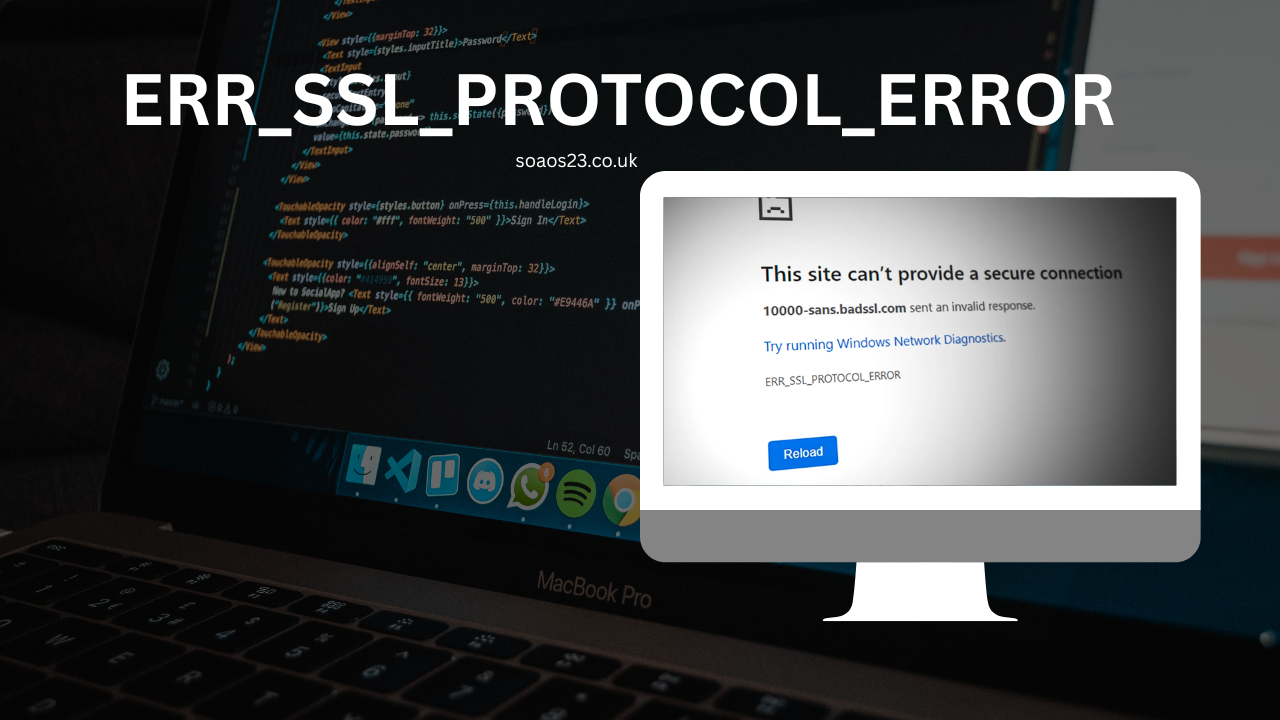
In today’s digital world, secure browsing is non-negotiable. Yet, nothing disrupts your online flow quite like hitting a wall of red text in your browser: “This site can’t provide a secure connection. ERR_SSL_PROTOCOL_ERROR.” This frustrating alert pops up when your browser—often Chrome—can’t establish a trusted HTTPS link with a website. It’s not just an annoyance; it signals a potential security hiccup that could expose your data to risks like interception or tampering.
Why does this matter? With over 80% of websites now using HTTPS for encryption, an err_ssl_protocol_error can lock you out of banking apps, e-commerce sites, or even routine searches. For website owners, it erodes trust and tanks conversions—imagine a shopper abandoning your cart because of a security warning. In 2025, as browsers tighten protocols to combat rising cyber threats, these errors are more common than ever, especially with updates to TLS standards. But don’t worry: most stem from fixable issues like outdated certificates or misconfigured servers. In this guide, we’ll break down the causes, walk through platform-specific solutions (including err_ssl_protocol_error chrome, err_ssl_protocol_error wordpress, and err_ssl_protocol_error on all browsers), and arm you with prevention tips. By the end, you’ll navigate these bumps with confidence.
What Is ERR_SSL_PROTOCOL_ERROR and Why Does It Happen?
At its core, ERR_SSL_PROTOCOL_ERROR is a browser’s way of saying, “I can’t verify this site’s security handshake.” HTTPS relies on SSL/TLS protocols to encrypt data between your device and the server. During the “handshake,” the server presents an SSL certificate—a digital ID proving its legitimacy. If something’s off, the browser aborts to protect you.
This error isn’t unique to one culprit; it’s a symptom of mismatches in this process. Common triggers include:
- Expired or Invalid Certificates: SSL certs have lifespans (usually 1-2 years). If one lapses, browsers reject it outright. In 2025, with automated renewals standard, forgetting this still trips up many sites.
- Server Misconfigurations: Think missing intermediate certificates (part of the “chain” validating the main cert) or outdated TLS versions. Servers stuck on TLS 1.0 or 1.1 get flagged as vulnerable.
- Client-Side Glitches: Your device’s clock might be wrong, making a valid cert seem expired. Corrupted browser cache or aggressive antivirus software can also interfere.
- Protocol Mismatches: Browsers like Chrome now enforce stricter TLS 1.3 rules. If a site uses weak ciphers or incomplete chains, boom—error.
These issues spike during updates: Chrome’s 2025 patches, for instance, ramped up scrutiny on quantum-resistant keys, catching legacy setups off-guard. The result? Seamless browsing turns into a troubleshooting session. But understanding the “why” is half the battle—next, we’ll tackle the “how.”
Common Causes of ERR_SSL_PROTOCOL_ERROR in 2025
As browsers evolve, so do the pitfalls. Here’s a deeper dive into 2025-specific triggers, backed by recent trends:
Certificate Chain Breaks
Websites often use “leaf” certificates signed by intermediates from authorities like Let’s Encrypt. If a chain link is missing, validation fails. Tools like SSL Labs report this in 40% of error cases. Fix? Reinstall the full chain on your server.
Outdated TLS Support
Post-2025, TLS 1.3 is mandatory for new certs, but legacy servers linger. Chrome blocks anything below 1.2, citing vulnerabilities like Logjam attacks. Audit your server config—enable only modern protocols.
Device and Network Interference
Antivirus suites (e.g., Avast) or firewalls sometimes “inspect” SSL traffic, mangling handshakes. Public Wi-Fi hotspots exacerbate this, routing through insecure proxies.
Browser-Specific Quirks
Chrome’s aggressive caching holds onto bad states longer than Edge or Firefox, amplifying errors. We’ll address these per platform below.
Spotting patterns? Run a free SSL test at Qualys SSL Labs to diagnose your site.
How to Fix ERR_SSL_PROTOCOL_ERROR: Step-by-Step Guide
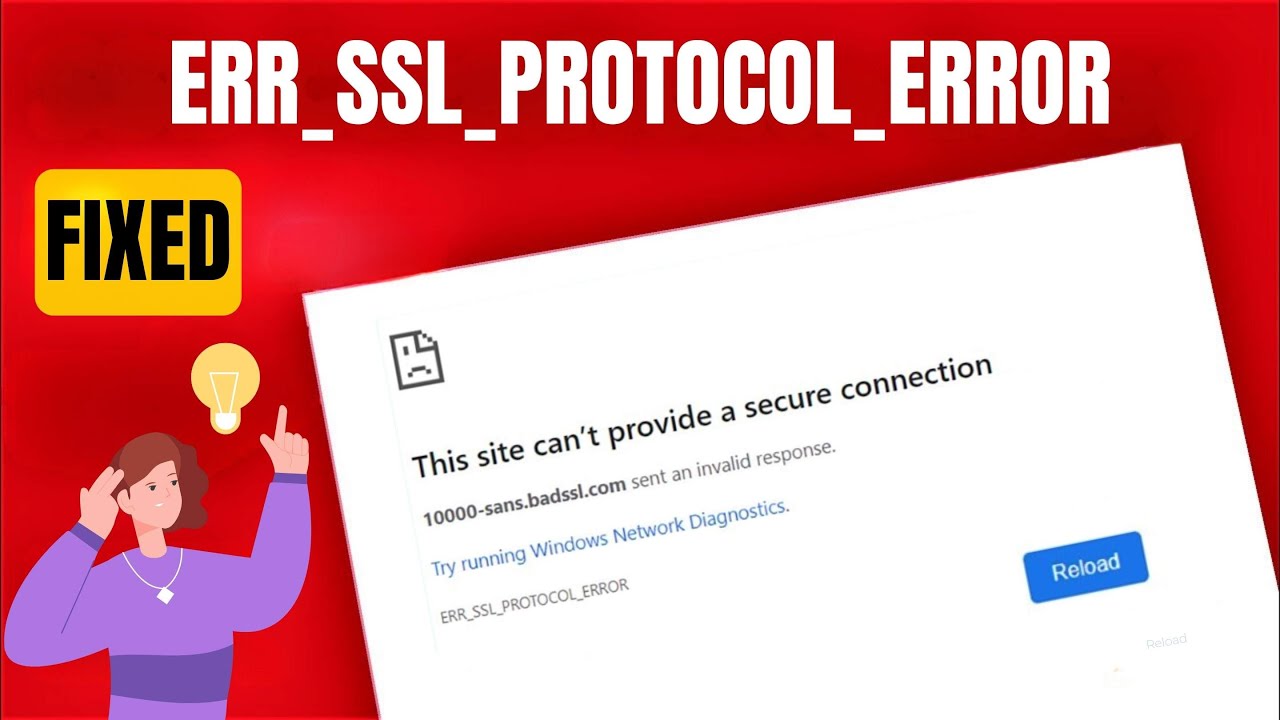
Troubleshooting starts locally but may need server tweaks. Work through these systematically.
1. Verify and Correct Your System Date and Time
Browsers cross-check cert validity against your clock. A one-minute drift can flag a live cert as expired.
- On Windows: Right-click the taskbar clock > Adjust date/time > Enable “Set time automatically.”
- On macOS: System Settings > General > Date & Time > Toggle “Set date and time automatically.”
- On Linux: Run sudo ntpdate pool.ntp.org in terminal.
Test: Reload the page. This resolves 20-30% of cases.
2. Clear Browser Cache, Cookies, and SSL State
Stale data clogs the handshake. For err_ssl_protocol_error chrome:
- Open Chrome > Three dots > Settings > Privacy and security > Clear browsing data.
- Select “All time” > Check “Cookies,” “Cached images/files,” and “Hosted app data.”
- Click Clear data.
For deeper clean: chrome://net-internals/#hsts > Clear SSL state. Restart Chrome.
3. Disable Interfering Extensions and QUIC Protocol
Extensions like ad blockers can hijack connections. In Chrome: chrome://extensions/ > Toggle off all > Reload site > Re-enable one-by-one.
QUIC (Chrome’s speed booster) sometimes conflicts: chrome://flags/ > Search “QUIC” > Set to Disabled > Relaunch.
4. Update Your Browser and OS
Outdated software lacks modern TLS support. In Chrome: Three dots > Help > About Google Chrome (auto-updates). For Android/iOS, check app stores.
5. Temporarily Disable Antivirus/Firewall
Scan for conflicts: Pause real-time protection > Test site > Re-enable. Whitelist your browser if needed.
6. Flush DNS and Reset Network Settings
Corrupt DNS caches misroute traffic. Command Prompt (Windows): ipconfig /flushdns. On Android: Settings > System > Reset options > Reset Wi-Fi/mobile.
If persistent, contact your ISP—2025 reports show carrier-level proxies causing spikes.
For site owners: Renew certs via Let’s Encrypt and verify chains with openssl s_client -connect yoursite.com:443.
Platform-Specific Fixes for ERR_SSL_PROTOCOL_ERROR
Errors vary by device—here’s tailored advice.
Fixing ERR_SSL_PROTOCOL_ERROR Chrome
Chrome’s strictness makes it prone. Beyond basics:
- Enable legacy TLS (temporary): chrome://flags/ > “TLS/SSL version” > Enable all > Restart. Revert after testing.
- Bypass for testing: Type “thisisunsafe” on the error page (dev mode only—avoid in production).
ERR_SSL_PROTOCOL_ERROR WordPress
WordPress sites often glitch post-plugin updates or migrations.
- Update URLs: Dashboard > Settings > General > Ensure both WordPress Address and Site Address use HTTPS.
- Force HTTPS: Install Really Simple SSL plugin > Activate (but test—mishandling causes loops).
- .htaccess tweak: Add RewriteEngine On RewriteCond %{HTTPS} off RewriteRule ^(.*)$ https://%{HTTP_HOST}%{REQUEST_URI} [L,R=301].
- Check plugins: Deactivate security ones like Wordfence temporarily.
Regenerate permalinks after. For multisite, verify all subsites’ certs match.
ERR_SSL_PROTOCOL_ERROR on All Browsers
Universal? Point to network/server.
- Test incognito/private mode across Chrome, Firefox, Edge.
- Switch networks (Wi-Fi to mobile data).
- Server audit: Use curl -v https://yoursite.com for handshake logs.
If consistent, it’s likely cert revocation—reissue immediately.
ERR_SSL_PROTOCOL_ERROR iPhone
iOS integrates SSL at the system level—no per-app flags.
| Issue | Symptom | Fix |
|---|---|---|
| Date/Time Mismatch | Certs appear expired | Settings > General > Date & Time > Set Automatically |
| VPN/Proxy Interference | Blocks handshakes | Settings > VPN > Disconnect; reset network: General > Transfer or Reset iPhone > Reset > Reset Network Settings |
| Cache Buildup | Persistent on Safari/Chrome | Settings > Safari > Clear History and Website Data |
| Outdated iOS | TLS 1.3 incompatibility | Settings > General > Software Update |
| Cert Trust | Self-signed sites | Settings > General > VPN & Device Management > Trust profile |
ERR_SSL_PROTOCOL_ERROR on Android
Mobile Chrome amplifies cache issues.
- Clear app data: Settings > Apps > Chrome > Storage > Clear Cache/Data.
- Disable QUIC: chrome://flags/#enable-quic > Disabled (Android Chrome supports this).
- Network reset: Settings > System > Reset > Reset Wi-Fi, mobile & Bluetooth.
For ERR_SSL_PROTOCOL_ERROR 2025 spikes on Android, update to Chrome 131+ for post-quantum fixes.
ERR_SSL_PROTOCOL_ERROR Edge
Edge mirrors Chrome but eases bypasses.
- InPrivate window test.
- edge://flags/ > “TLS 1.3 post-quantum” > Disabled.
- Clear state: Settings > Privacy > Clear browsing data > Advanced > All time.
Registry tweak for stubborn cases: Add DWORD “SSLErrorOverrideAllowed” = 1 under HKEY_LOCAL_MACHINE\SOFTWARE\Policies\Microsoft\Edge.
How to Bypass ERR_SSL_PROTOCOL_ERROR (Temporary Workarounds)
Bypassing isn’t ideal—security first—but for urgent access:
- Chrome: On error page, type “thisisunsafe” (ignores once).
- Edge: Click “Details” > “Go on to webpage (unsafe).”
- Android/iPhone: Use desktop site mode or alternate browser.
Never bypass on sensitive sites; fix root causes instead.
Related Errors and Fixes
ERR_SSL_PROTOCOL_ERROR often overlaps with kin. Quick hits:
How to Fix ERR_SSL_KEY_USAGE_INCOMPATIBLE
This flags certs lacking “digitalSignature” or “keyEncipherment” usages (Chrome 119+ strictness).
- Reissue cert: Use PowerShell New-SelfSignedCertificate -DnsName “yoursite” -KeyUsage DigitalSignature,KeyEncipherment.
- For self-signed: Import to Trusted Roots via certmgr.msc.
- Server-side: Edit openssl.conf > Add usages to v3_req section.
Affects localhost dev—test with openssl req -new -x509 -keyout key.pem -out cert.pem -days 365 -nodes -subj “/CN=localhost” -addext “keyUsage = digitalSignature, keyEncipherment”.
How to Fix an SSL Error (General)
Broad term, but start with:
- Cert check: DigiCert SSL Checker.
- Mixed content: Scan for HTTP assets > Convert to HTTPS.
- Revocation: OCSP stapling on server.
For WordPress: Plugins like SSL Insecure Content Fixer automate.
How to Bypass ERR_SSL_PROTOCOL_ERROR in Chrome Android
- chrome://flags/#enable-quic > Disabled.
- Clear data via Android settings.
- Use Firefox for comparison—less picky on mobile.
Prevention: Keep ERR_SSL_PROTOCOL_ERROR at Bay
Proactive beats reactive.
- Automate Cert Renewals: Tools like Certbot handle Let’s Encrypt freebies.
- Regular Audits: Monthly SSL Labs scans; monitor via Google Search Console.
- Update Everything: Browsers, OS, servers—patch TLS vulnerabilities quarterly.
- Strong Chains: Always bundle intermediates; test with openssl s_client.
- Monitor Logs: Server error logs flag handshake fails early.
In 2025, integrate post-quantum crypto—Chrome’s pushing Kyber hybrids. For devs, use HSTS headers: Strict-Transport-Security: max-age=31536000.
FAQ
How to fix this error ERR_SSL_PROTOCOL_ERROR?
Start with date/time sync and cache clear. If server-side, renew your SSL cert and verify the chain. Test via incognito mode.
How to fix the err_ssl_key_usage_incompatible?
Reissue the cert with proper keyUsages (digitalSignature + keyEncipherment). For self-signed, use PowerShell commands to specify.
How to fix an SSL error?
Diagnose with SSL checkers, clear client cache, update software. Server owners: Ensure TLS 1.3 and full chains.
How to bypass ERR_SSL_PROTOCOL_ERROR in chrome android?
Disable QUIC in flags, clear Chrome data, or toggle Airplane mode. Avoid long-term—fix the cert instead.
Why is ERR_SSL_PROTOCOL_ERROR Chrome so common in 2025?
Stricter TLS enforcement and post-quantum updates catch legacy configs. Update to Chrome 131+ for smoother handshakes.
Does ERR_SSL_PROTOCOL_ERROR affect SEO?
Yes—Google penalizes insecure sites. Fix promptly to maintain HTTPS rankings.
Can VPNs cause ERR_SSL_PROTOCOL_ERROR on Android?
Absolutely—VPNs alter traffic. Disconnect and test; whitelist if needed.
Wrapping Up: Secure Connections Await
ERR_SSL_PROTOCOL_ERROR might feel like a digital roadblock, but it’s a safeguard in disguise—pushing us toward robust security. From tweaking your clock to overhauling server certs, these steps reclaim your browsing peace. Remember, in 2025’s threat landscape, a valid SSL isn’t optional; it’s your site’s shield.