





In today’s digital world, video conferencing has become a cornerstone of professional and personal communication. Whether you’re joining a team meeting, attending a virtual interview, or catching up with family, effective online meetings can make or break your impression. With remote work on the rise, mastering video conference tips is essential for productivity, engagement, and building strong connections. Poorly run video calls lead to misunderstandings, technical glitches, and wasted time issues that affect millions daily. This guide dives deep into practical video conference tips to elevate your virtual interactions, backed by insights from experts at platforms like Zoom, Microsoft Teams, and Google Meet. By implementing these strategies, you’ll not only look professional but also ensure smoother, more impactful meetings.
Understanding the Basics of Video Conferencing
Video conferencing bridges geographical gaps, allowing real-time face-to-face interaction without travel. Tools like Zoom exploded in popularity during the pandemic, with over 300 million daily participants reported in 2020 by Statista. Today, as hybrid work models dominate, understanding the fundamentals is key to avoiding common pitfalls.
What Are the Steps of Video Conferencing?
Mastering the process starts with a structured approach. Here’s a step-by-step breakdown:
- Preparation: Choose your platform (e.g., Zoom, Teams) and test hardware. Send invites with agendas in advance.
- Setup: Join early, mute yourself initially, and enable video.
- Engagement: Speak clearly, use chat for questions, and share screens as needed.
- Wrap-Up: Summarize action items and end on time.
- Follow-Up: Share recordings or notes via email.
Following these steps reduces disruptions. A Gartner study notes that structured meetings are 20% more efficient.
Essential Video Conference Tips for Success
To stand out, focus on preparation, etiquette, and technology. These video conference tips draw from best practices shared by Harvard Business Review and Cisco’s Webex guides.
Technical Setup: Avoid Glitches Before They Happen
Reliable tech is non-negotiable. Start with a stable internet connection aim for at least 1.5 Mbps upload/download per FCC recommendations. Use Ethernet over Wi-Fi for consistency.
- Test Equipment: Run a test call 10 minutes before. Check microphone, camera, and speakers.
- Lighting and Background: Position yourself facing a window or use a ring light. Virtual backgrounds work but can glitch; opt for a clean physical space.
- Software Updates: Keep your app updated to avoid security vulnerabilities, as advised by cybersecurity firm Kaspersky.
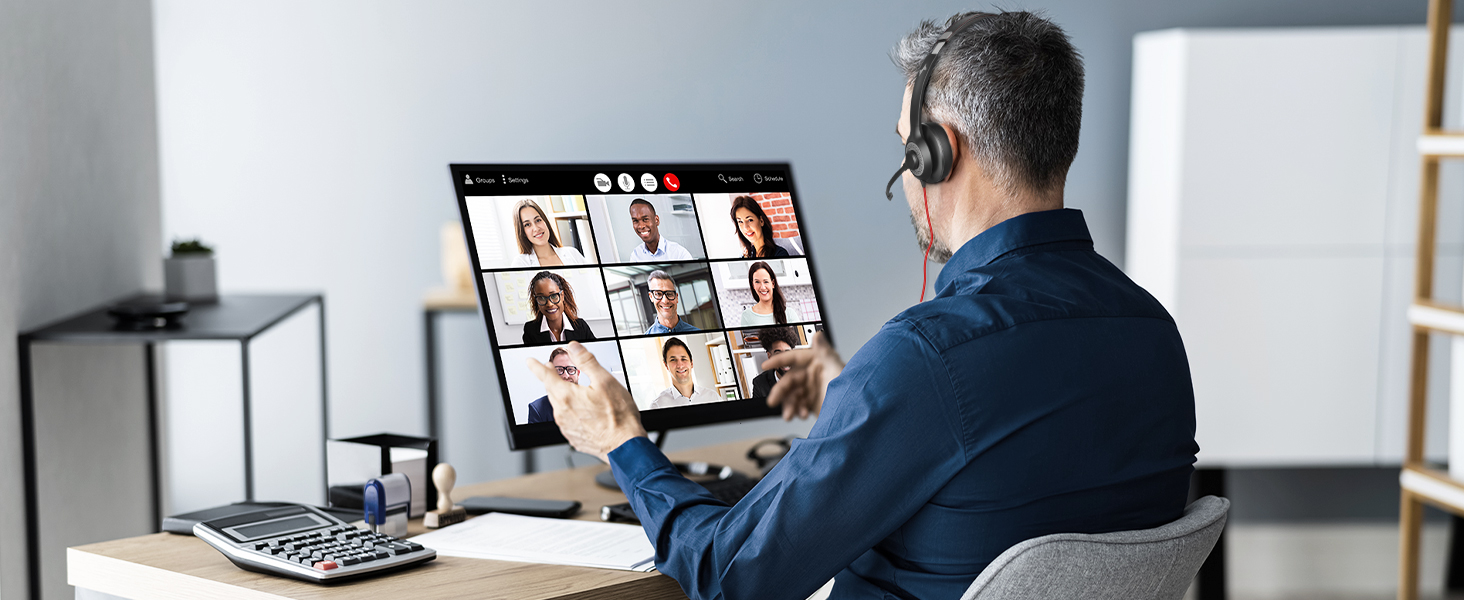
Pro tip: Have a backup plan, like a mobile hotspot or phone dial-in.
How to Look Better on Video Conference
Appearance matters in virtual settings. Poor visuals distract from your message.
- Camera Angle: Place your camera at eye level using books or a stand. Avoid “up-the-nose” views.
- Attire and Grooming: Dress professionally from the waist up. Neutral colors reduce glare.
- Framing: Center yourself with head and shoulders visible, leaving space above your head.
- Makeup and Hair: Natural light enhances features; subtle makeup evens skin tone under harsh screens.
According to a 2023 LinkedIn survey, 68% of professionals judge credibility based on video appearance. Experiment with angles during practice calls.
Participation Rules and Etiquette
Effective participation builds trust. Follow these essential rules for participating in a video conference:
What Are Some Essential Rules for Participating in a Video Conference?
- Mute When Not Speaking: Background noise disrupts flow. Unmute only to contribute.
- Be Punctual: Join 2-5 minutes early to handle issues.
- Engage Actively: Nod, use reactions, or chat to show involvement without interrupting.
- Speak Concisely: Stick to the point; use “raise hand” features in large groups.
- Respect Privacy: Don’t record without consent, per GDPR guidelines.
- Minimize Distractions: Close unrelated tabs and silence notifications.
Breaching these can lead to disengagement. A Microsoft Work Trend Index report found that etiquette violations reduce meeting satisfaction by 40%.
Advanced Strategies: How to Get Better at Video Calls
Improving requires practice and feedback. Incorporate these to level up.
Body Language and Communication
Non-verbal cues are amplified on camera.
- Eye Contact: Look at the camera, not the screen, to simulate direct gaze.
- Gestures: Use hands naturally but keep them in frame.
- Voice Modulation: Speak at a moderate pace; vary tone to maintain interest.
Record yourself and review tools like Loom offer playback analysis.
Hosting Tips for Leaders
If you’re leading:
- Set ground rules at the start.
- Use polls for interaction.
- Assign a co-host for tech support.
Comparison of Popular Video Conferencing Platforms
Choosing the right tool impacts experience. Here’s a table comparing key features based on 2025 data from G2 and Capterra reviews:
| Platform | Free Tier Limits | Max Participants (Paid) | Unique Features | Security Highlights |
|---|---|---|---|---|
| Zoom | 40 minutes, 100 users | 1,000 | Breakout rooms, AI companion | End-to-end encryption |
| Microsoft Teams | Unlimited for personal | 10,000 | Integration with Office 365 | Compliance with ISO 27001 |
| Google Meet | 60 minutes, 100 users | 500 | Live captions, noise cancellation | Google Workspace security |
| Cisco Webex | 40 minutes, 100 users | 1,000 | AI-powered gestures recognition | Federal-grade encryption |
Overcoming Common Challenges
Even with preparation, issues arise.
Bandwidth and Connectivity
In low-bandwidth areas like parts of Pakistan, lower video quality or use audio-only. Tools like Krisp.ai suppress noise effectively.
Engagement in Long Calls
Break monotony with interactive elements. A Gallup poll shows engaged meetings boost productivity by 21%.
Security Best Practices
Use passwords, waiting rooms, and avoid public Wi-Fi. The FBI warned of “Zoombombing” in 2020; features have since improved.
For deeper dives, check Zoom’s official security guide or Microsoft’s Teams resources.
Integrating Video Conference Tips into Daily Workflow
Consistency is key. Create a pre-meeting checklist:
- Hardware check
- Agenda review
- Distraction-free zone
Train teams via workshops. Companies like Deloitte report 30% better outcomes from etiquette training.
Real-World Examples
A Fortune 500 firm reduced meeting time by 15% after implementing mute rules and agendas, per a 2024 case study.
People Also Ask: Addressing Common Queries
Beyond core tips, users often search related questions. Here’s coverage:
- How to look better on video conference? Focus on lighting, camera height, and professional attire as detailed earlier.
- What are some essential rules for participating in a video conference? Mute, be on time, engage respectfully outlined in the etiquette section.
- What are the steps of video conferencing? Preparation to follow-up, step-by-step above.
- How to get better at video calls? Practice body language, seek feedback, and use advanced features.
FAQ
1. What is the best lighting setup for video conferences?
Natural light from the front or a ring light at eye level works best. Avoid backlighting to prevent silhouettes.
2. How can I reduce echo during a video call?
Use headphones with a mic, close windows, and enable platform noise suppression.
3. Are virtual backgrounds professional?
They can be if high-quality and non-distracting. Plain walls are safer for formal meetings.
4. What internet speed is needed for HD video conferencing?
At least 3 Mbps upload for 720p; 5+ Mbps for 1080p, per platform guidelines.
5. How do I handle interruptions in large video conferences?
Use the “raise hand” feature and have a moderator manage the queue.
6. Can I improve audio quality on a budget?
Yes USB microphones under $50, like the Fifine K669, outperform built-in laptop mics.
7. Is it okay to eat during a video conference?
No, unless it’s a casual call. Mute and turn off video if necessary.
Conclusion
Implementing these video conference tips from technical setups to etiquette rules transforms ordinary online meetings into productive, engaging sessions. Start with basics like testing your setup and following participation rules, then advance to mastering body language and platform features. Whether you’re wondering how to look better on video conference or how to get better at video calls, consistent practice yields results. Review your checklist before every call, gather feedback, and watch your virtual presence soar.