




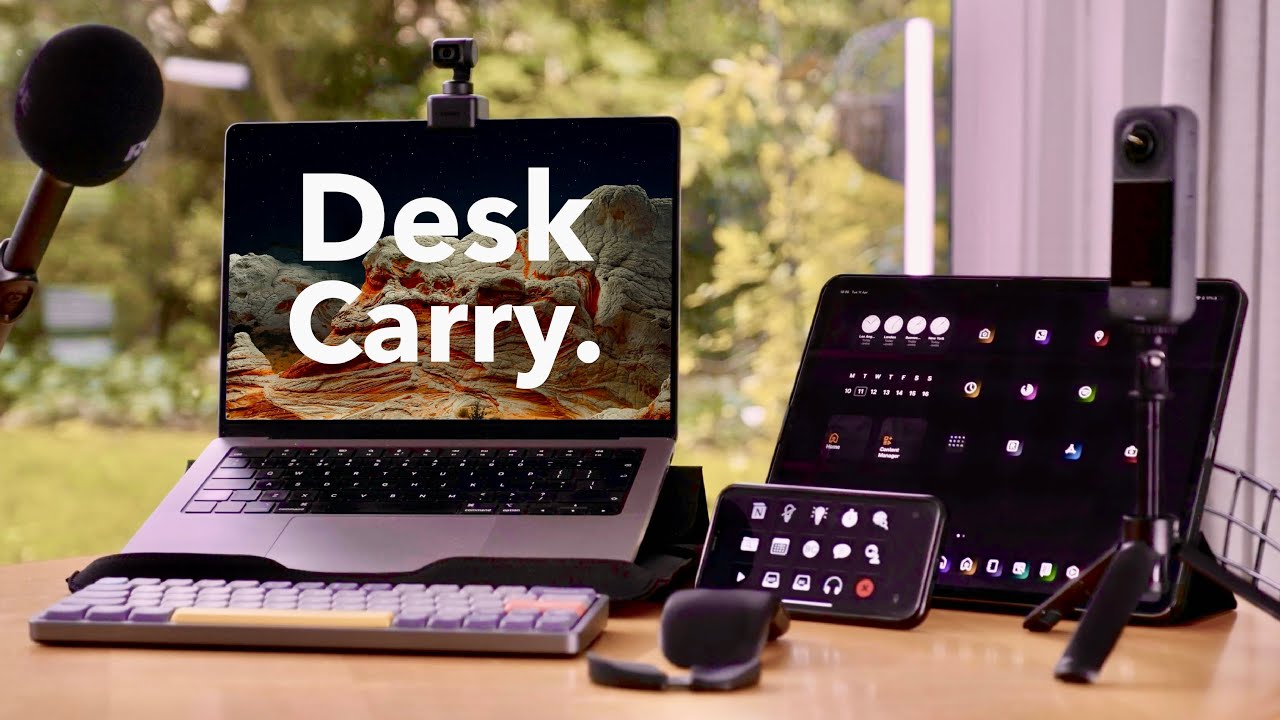
The shift to remote work is no longer a trend it’s the new normal for millions of people worldwide. Whether you’re a full-time remote employee, freelancer, or entrepreneur, having a functional and comfortable remote work setup can make the difference between thriving and burning out. A well-designed workspace boosts productivity, reduces physical strain, and helps maintain work-life boundaries even when your office is ten steps from your bedroom.
In this guide, we’ll walk you through everything you need to know about building the ideal remote work setup, from budget-friendly basics to premium upgrades. We’ll cover the remote work setup meaning, essential equipment, space-saving tips for small apartments, tax-deduction rules, and even the best remote work setup software to keep you organized and connected.
What Is Remote Work Setup? (Remote Work Setup Meaning)
At its core, a remote work setup refers to the physical workspace, furniture, technology, tools, and environment you create to perform your job effectively from a location outside a traditional office usually your home. It goes beyond just having a laptop and Wi-Fi. A thoughtful remote work setup includes ergonomics, reliable internet, proper lighting, noise control, and software that supports seamless collaboration.
Think of it as your personal command center for getting work done anywhere.
Why Your Remote Work Setup Matters More Than You Think
Poor setups lead to real problems:
- Back and neck pain from bad posture
- Zoom fatigue from bad lighting and audio
- Distractions that kill deep-focus work
- Slower internet causing missed deadlines
- Difficulty claiming home office tax deductions (more on that later)
Investing time and money even a little into setting up a home office for remote work pays off in health, happiness, and performance.
Essential Equipment Needed for Remote Work
Here’s the must-have gear, ranked by priority:
| Category | Budget Option (< $100) | Mid-Range ($100–$400) | Premium (> $400) | Why It Matters |
|---|---|---|---|---|
| Desk | Folding table or lap desk | IKEA Bekant or standing desk converter | Fully adjustable standing desk (FlexiSpot, Uplift) | Prevents slouching, saves space |
| Chair | Cushion + good posture | Second-hand ergonomic chair | Herman Miller Aeron / Steelcase Gesture | Back health is non-negotiable |
| Monitor | Use laptop screen | 24″ 1080p monitor (Dell/Asus) | 27–32″ 4K or ultrawide (LG/Samsung) | Reduces eye strain |
| Keyboard & Mouse | Whatever came with your laptop | Logitech MX Keys + MX Master | Mechanical keyboard + vertical mouse | Prevents wrist pain |
| Webcam | Built-in laptop camera | Logitech C920 | Logitech Brio or DSLR/mirrorless setup | You look professional on calls |
| Microphone | Smartphone earbuds | Blue Yeti Nano or Jabra headset | Shure MV7 or Elgato Wave:3 | Clear audio = better communication |
| Internet | Existing home Wi-Fi | Mesh system (Google Nest, Eero) | Wired Ethernet + Wi-Fi 6E router | No more “Can you hear me?” drops |
| Lighting | Natural window light | Neewer ring light or Lume Cube | Elgato Key Light Air | Look awake and human on video |
| Noise Control | Work in quiet hours | Sony WH-1000XM5 or AirPods Pro | Kradle acoustic panels + good headset | Focus in noisy households |
Budget Under $300 – The “I Just Got Hired Remotely” Setup
- Laptop stand + external keyboard/mouse (~$50)
- Second-hand office chair from Facebook Marketplace (~$80)
- 24″ monitor (~$120)
- Decent USB microphone or headset (~$50)
Total: ~$300 and you’re miles ahead of working from the couch.
Small Space? Here’s How to Set Up Home Office in Small Space
Living in a studio or tiny apartment doesn’t mean you’re stuck on the dining table.
Pro Tips for Small Spaces:
- Wall-mounted fold-down desk (IKEA Norberg or similar)
- Monitor arm to free desk surface
- Under-desk treadmill or bike (if you have height)
- Use vertical space floating shelves above monitor
- Rolling cart for printer/supplies that tucks away
- Room divider or curtain to separate “office” from “bedroom”
Work from Home Setup Ideas & Inspiration
The Minimalist
White desk, MacBook, one plant, natural light. Clean and calm.
The Standing Desk Warrior
Electric standing desk, walking pad, dual ultrawide monitors.
The Cozy Corner
Corner L-shaped desk, warm lighting, bookshelves, personal photos.
The Bedroom Office (Yes, It Can Work)
Bedroom corner with privacy screen, cable management, noise-cancelling everything.
Best Work from Home Setup Accessories (Under $50 That Make a Big Difference)
| Accessory | Price | Why You Need It |
|---|---|---|
| Laptop stand | $25 | Aligns screen to eye level |
| Footrest | $20 | Crucial if your chair is too high |
| Cable management tray | $25 | No more spaghetti under desk |
| Blue-light blocking glasses | $15 | Reduces eye fatigue |
| Desk plants (real or fake) | $20 | Improves mood and air quality |
| Whiteboard or cork board | $30 | Visual to-do lists and brainstorming |
Remote Work Setup Software You Should Be Using in 2025
| Category | Free Option | Paid Upgrade Worth It |
|---|---|---|
| Communication | Slack / Microsoft Teams | Superhuman email, Front |
| Video Calls | Zoom, Google Meet | Riverside, mmhmm |
| Task Management | Todoist, Trello | ClickUp, Notion, Asana |
| Password Manager | Bitwarden | 1Password |
| Cloud Storage | Google Drive | Dropbox Professional |
| Time Tracking | Toggl Track | RescueTime Premium |
| Focus & Noise | Brain.fm, Endel | Krisp (noise cancellation) |
How to Set Up a Home Office for Tax Purposes (U.S. Focused)
If you’re in the U.S. and self-employed (or your employer requires you to work from home with no office provided), you may qualify for the home office deduction.
Simplified Method vs Regular Method
| Method | Deduction | Record-Keeping Required |
|---|---|---|
| Simplified | $5 per sq ft, up to 300 sq ft (= $1,500) | Almost none |
| Regular | Actual percentage of home used exclusively for work (rent, utilities, internet, etc.) | Heavy keep receipts, floor plan |
Key IRS rules:
- The space must be used regularly and exclusively for work
- It can be a separate room or a clearly defined section of a room
- No personal furniture mixed in if claiming the regular method
Pro tip: Take dated photos of your setup every year in case of audit.
FAQ – Frequently Asked Questions About Remote Work Setup
Q: What is remote work setup?
A: It’s the complete system desk, chair, tech, lighting, software, and environment you create to work productively outside a traditional office.
Q: How to set up for a remote job on day one?
A: Order a laptop stand, external keyboard/mouse, and headset immediately. Clear a dedicated corner, set calendar boundaries, and over-communicate with your team until routines form.
Q: What equipment is needed for remote work?
A: At minimum: reliable laptop, stable internet, headset with mic, and ergonomic seating. Everything else improves the experience.
Q: What is the best setup for working from home?
A: The one you’ll actually use consistently. Prioritize ergonomics (chair + monitor height), good lighting/audio for calls, and a space that feels separate from “home mode.”
Q: Remote work setup crossword clue?
A: A common 8-letter crossword answer is “HOMEBASE” or “HOMEDESK”. (Yes, people actually search this!)
Q: Can I write off my home office if I’m W-2 employee?
A: Unfortunately, no since the 2018 tax reform, W-2 employees cannot claim unreimbursed home office expenses. Only self-employed or certain state rules apply.
Q: How much should I spend on a remote work setup?
A: You can be productive under $300, comfortable under $1,000, and elite at $3,000+. Start basic, upgrade pain points first.
Final Thoughts: Start Today, Upgrade Tomorrow
Building the perfect remote work setup doesn’t require a big budget or huge space it requires intention. Start with the free or low-cost wins: claim a dedicated corner, raise your laptop to eye level, get a real chair, and close the door (or put on headphones) when work begins.
Your future back, eyes, and productivity will thank you.