





If you’ve ever dialed a number only to hear silence or go straight to voicemail while the recipient later says they never heard their phone ring you’re not alone. The frustrating issue of “phone not ringing when I call someone” affects iPhone, Android, Samsung, Huawei, and other users worldwide. It wastes time, causes missed opportunities, and creates unnecessary confusion.
This comprehensive guide explains the most common causes and provides quick, step-by-step fixes. Whether you’re dealing with an iPhone not ringing when calling, Android issues, Samsung-specific problems, or calls going straight to voicemail, you’ll find targeted solutions here.
Why This Happens: Common Reasons for No Ringtone on Calls
Several factors on the recipient’s device, your device, or the network can prevent the phone from ringing properly.
Recipient-Side Issues (Most Common):
- Silent mode, low volume, or Do Not Disturb (DND)/Focus modes.
- Call forwarding enabled.
- Blocked numbers or contact-specific settings.
- Poor signal, airplane mode, or Bluetooth redirection.
Caller-Side or Network Issues:
- Weak cellular signal preventing proper connection.
- Carrier problems or congestion.
- Software glitches or outdated settings on your phone.
Understanding these helps you troubleshoot faster instead of assuming the other person is ignoring you.
Quick Checks Before Deep Troubleshooting
- Verify the Basics on Your Phone: Ensure you have strong signal bars. Try calling from Wi-Fi (if supported) or another phone to isolate the issue.
- Test with Different Contacts: If it happens only with specific people, the problem is likely on their end (e.g., blocking or custom settings).
- Restart Both Devices: A simple reboot resolves many temporary glitches.
Fixes for iPhone: “Phone Not Ringing When I Call Someone iPhone”
iPhone users often face this due to Apple’s Focus modes and network features.
Step-by-Step Fixes:
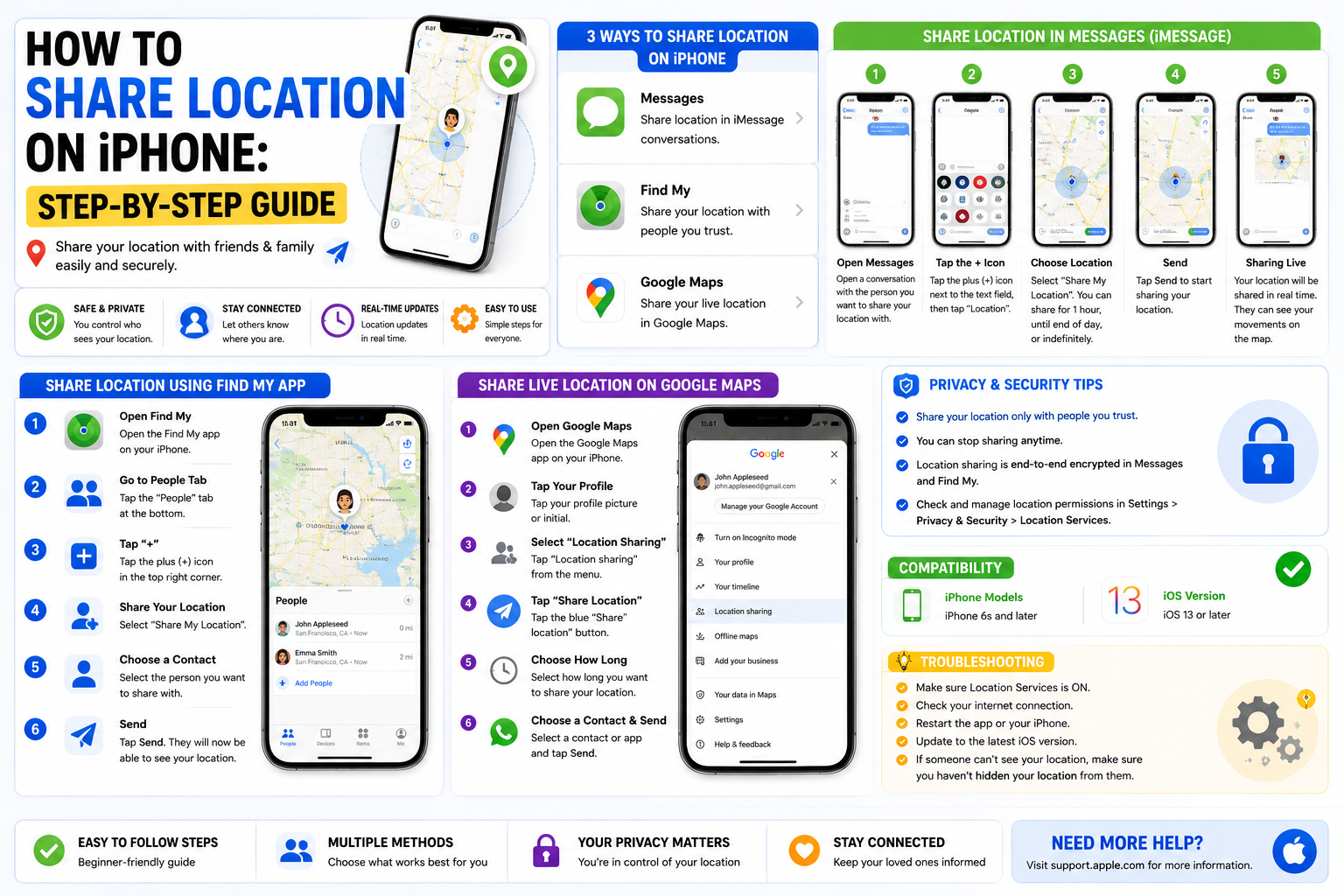
- Disable Focus/Do Not Disturb: Go to Settings > Focus. Turn off all Focus modes or check “Allow Calls From” and set to Everyone or Favorites. For older iOS, check Do Not Disturb directly.
- Check Ring/Silent Switch: Flip the physical switch on the side to ring mode (orange isn’t showing).
- Adjust Volume: Settings > Sounds & Haptics > Ringtone and Alerts. Drag the slider up and test.
- Call Forwarding: Settings > Phone > Call Forwarding > Toggle off. Or dial *#21# to check status.
- Bluetooth Check: Disconnect any paired devices, as audio might route there.
- Update iOS and Restart: Ensure the latest iOS version; software bugs can silence calls.
- Wi-Fi Calling: Enable it in Settings > Cellular > Wi-Fi Calling if signal is weak.
If calls still go straight to voicemail, ask the recipient to check their carrier settings or voicemail configuration.
Android Fixes: “Phone Not Ringing When I Call Someone Android”
Android behavior varies by manufacturer, but core settings are similar.
General Android Solutions:
- Sound Settings: Swipe down notification panel > Ensure not on Silent or Vibrate. Go to Settings > Sound & Vibration > Ringtone volume (max it) and select a default ringtone.
- Do Not Disturb: Settings > Notifications > Do Not Disturb > Turn off or allow calls from everyone.
- Airplane Mode: Toggle it on for 15 seconds, then off to refresh network.
- Call Forwarding: Open Phone app > Menu (three dots) > Settings > Calls > Call Forwarding. Disable all options (Always, Busy, Unanswered, Unreachable).
- App Permissions and Conflicts: Check for battery optimization on the Phone app (Settings > Apps > Phone > Battery > Unrestricted). Clear cache for Phone and Contacts apps.
Why Do I Get Missed Calls But My Phone Doesn’t Ring? This often ties to DND exceptions, scheduled modes, or network registration delays. Restarting or toggling airplane mode usually fixes registration issues.
Samsung-Specific Troubleshooting: “Phone Not Ringing When I Call Someone Samsung”
Samsung Galaxy devices have extra layers like Sound Modes and Bixby routines.
Samsung Fixes:
- Settings > Sounds and Vibration > Sound Mode > Ensure “Sound” is selected (not Vibrate or Mute).
- Check for “Do Not Disturb” or custom routines in Modes and Routines.
- Accessibility > Hearing Enhancements > Make sure “Mute all sounds” is off.
- Phone app > Three dots > Settings > Supplementary Services > Call Forwarding > Turn off.
- Clean the speaker grill if dust is blocking sound.
- Update One UI and restart in Safe Mode to check for third-party app interference.
Huawei and Other Devices: “Phone Not Ringing When I Call Someone Huawei”
Huawei phones have unique sound and EMUI/HarmonyOS settings.
- Settings > Sounds & Vibration > Phone Ringtone > Ensure it’s not set to “None.”
- Disable Do Not Disturb.
- Check for Silent mode per contact.
- Verify no call barring or forwarding in Phone app settings.
Why Calls Go Straight to Voicemail: “Phone Not Ringing When I Call Someone Straight to Voicemail”
This is a top complaint. Causes include:
- Recipient’s DND with no exceptions.
- Call forwarding (unconditional or when unreachable).
- Blocked number.
- Phone off, out of battery, or no service.
- Carrier-side issues like diverted calls (*#002# to disable all forwarding).
Fast Fix: Ask the recipient to dial ##002# and press call to disable all call forwarding.
Network and Carrier-Related Problems
Even with perfect settings, weak signals or carrier glitches cause “why can’t I hear the phone ringing when I call someone on my phone.”
Solutions:
- Toggle Airplane mode.
- Enable Wi-Fi Calling.
- Check for carrier outages via their app or website.
- Reset Network Settings (iPhone: Settings > General > Transfer or Reset > Reset > Reset Network Settings; Android: Settings > System > Reset options).
- Contact your carrier if issues persist across devices.
Comparison Table: Common Causes and Platform-Specific Fixes
| Cause | iPhone Fix | Android/Samsung Fix | Huawei Fix | Likelihood |
|---|---|---|---|---|
| Silent/DND Mode | Focus off, Ring switch | Sound Mode to Sound, DND off | Sounds & Vibration | High |
| Low Volume | Sounds & Haptics slider | Ringtone volume slider | Ringtone volume | High |
| Call Forwarding | Settings > Phone > Call Forwarding | Phone app > Call Forwarding | Supplementary Services | Medium |
| Bluetooth Connected | Disconnect devices | Disconnect in Quick Settings | Disconnect | Medium |
| Weak Signal/Network | Wi-Fi Calling, Airplane toggle | Airplane toggle, Reset Network | Network reset | High |
| Blocked Number | Check in Phone settings | Check Blocked contacts | Call barring | Low |
| Software Bug | Update iOS, Restart | Update OS, Safe Mode | Update EMUI/HarmonyOS | Medium |
This table summarizes key troubleshooting at a glance.
Advanced Tips and Prevention
- Test Regularly: Periodically call friends/family to catch issues early.
- Custom Ringtones: Avoid third-party or corrupted tones; stick to defaults.
- Battery Saver Modes: These can restrict calls whitelist the Phone app.
- VoLTE/VoWiFi: Ensure enabled for better call quality (check in mobile network settings).
- SIM Card: Remove, clean, and reinsert. Test in another phone if needed.
- Factory Reset as Last Resort: Back up data first.
For “why is my phone not ringing out or receiving calls,” the bidirectional issue often points to network or SIM problems.
FAQ: Phone Not Ringing When I Call Someone
Q1: Why does my phone go straight to voicemail without ringing?
A: Usually DND, call forwarding, no service, or blocking. Disable forwarding with ##002# and check DND.
Q2: How do I fix calls not ringing on my Samsung phone?
A: Set Sound Mode to Sound, max ringtone volume, disable DND, and check call forwarding. Restart the device.
Q3: Can network issues cause no ring when calling?
A: Yes. Poor signal, congestion, or carrier outages prevent proper ringing. Toggle Airplane mode or use Wi-Fi Calling.
Q4: Why do I get missed calls but my phone doesn’t ring?
A: DND exceptions, scheduled silence, or delayed network registration. Adjust Focus/DND and restart.
Q5: Does updating software fix ringing issues?
A: Often yes bugs in older versions affect audio and notifications. Always keep iOS/Android updated.
Q6: Is it possible the caller is blocked?
A: Yes. Check blocked numbers in Phone settings. Test with another number.
Q7: What if nothing works?
A: Contact your carrier for account/network checks or visit a service center. It could be a hardware or SIM issue.
Conclusion: Get Your Calls Ringing Again Fast
The “phone not ringing when I call someone” problem is usually solvable in minutes by checking volume, DND, forwarding, and signal. Start with the quickest fixes restart, check sound settings, and toggle Airplane mode before diving deeper.
Stay proactive: Review settings regularly and keep devices updated. Reliable calling keeps you connected when it matters most. If you’ve tried these steps and still face issues, share more details (phone model, carrier) in the comments or reach out to support.