



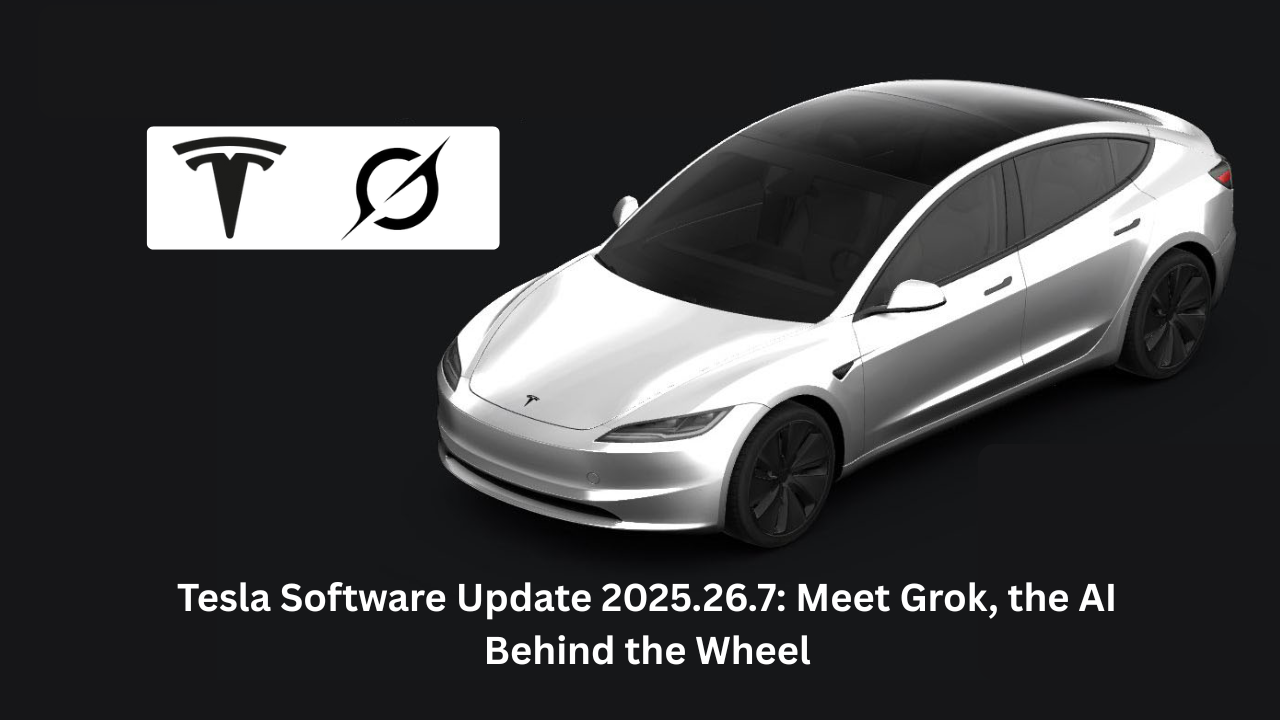
In the fast-evolving world of electric vehicles, Tesla stands out not just for its cutting-edge hardware but for its relentless software innovations. Over-the-air (OTA) updates have transformed Tesla cars from mere modes of transport into dynamic, intelligent companions. The latest milestone? The Tesla software update 2025.26.7 Grok rollout, which introduces Grok an AI assistant from Elon Musk’s xAI directly into your vehicle’s cockpit. Released in early August 2025, this update isn’t just a patch; it’s a leap toward conversational AI that feels like having a witty co-pilot at your fingertips.
Why does this matter? In an era where autonomous driving and smart interfaces are redefining mobility, Grok elevates the in-car experience beyond basic voice commands. Imagine asking your Tesla for real-time traffic insights, playlist recommendations with a dash of humor, or even philosophical musings during a long drive all while keeping your eyes on the road. As Tesla pushes toward Full Self-Driving (FSD) supremacy, updates like 2025.26.7 bridge the gap between hardware prowess and human-like interaction. With over 80% of the fleet now updated by mid-August, this isn’t niche tech; it’s the future arriving in your garage. Let’s dive into what makes this update a game-changer.
What’s New in Tesla Software Update 2025.26.7
The 2025.26.7 Tesla update builds on the foundational 2025.26 branch, focusing on refinement while packing in features that enhance safety, entertainment, and usability. Unlike minor point releases that solely address bugs, this one arrives with a suite of beta innovations, including the star of the show: Grok. Tesla’s OTA system ensures seamless delivery, but the real magic lies in how these additions integrate with daily driving.
Grok Beta: The Heart of the Update
At the core of the Tesla 2025.26.7 update is Grok, xAI’s AI designed for maximum truth-seeking and minimal fluff. Available exclusively on vehicles with AMD Ryzen processors and in the US (with Canada delayed due to privacy regs), Grok isn’t your standard Siri clone. It offers customizable voices and personalities from the affable “Storyteller” for family road trips to the bold “Unhinged” for those who crave unfiltered banter. Launch it via the App Launcher or by long-pressing the steering wheel’s voice button, and you’re in business.
Early adopters report Grok excelling at contextual queries: “What’s the best detour for this storm?” or “Explain quantum entanglement like I’m five.” It’s not just responsive; it’s adaptive, learning from your preferences without invading privacy (no sign-in required for basic use). This integration ties into FSD 12.6.4 and 13.2.9, potentially feeding AI insights back to navigation for smarter routing. The result? A cabin that feels alive, reducing driver fatigue on highways where boredom strikes hardest.
Light Sync and Immersive Audio Upgrades
Entertainment gets a vibrant boost with Light Sync, exclusive to newer Model 3/Y, refreshed S/X, and Cybertruck. Your accent lights now pulse in harmony with music, adapting to beats, genres, and even album artwork colors for a club-like vibe. Parked? Activate “Rave Cave” for full-throttle party mode maximum brightness, no holds barred. Paired with the updated audio settings, where you can craft and save equalizer presets under Controls > Audio, it’s a sensory upgrade that turns commutes into concerts.
These aren’t gimmicks; they address real pain points. Tesla owners often cite bland interiors as a downside to minimalist design Light Sync counters that, making the cabin a mood enhancer without distracting from the drive.
Dashcam Enhancements and Safety Tweaks
The Dashcam Viewer sees zoom and playback speed controls, with Cybertruck users gaining a grid view for quicker clip reviews. Undocumented gems include accent lights flashing red during Sentry Mode triggers and a new alert if you try locking the car with a key nearby small but thoughtful safeguards against forgetful mornings.
Site Info at Arrival streamlines Supercharger stops, popping notifications with valet details, access codes, and parking tips right as you pull up. For newbies, the Onboarding Guide (left-hand drive Models 3/Y) walks through essentials like wiper controls and Autopilot basics. Child Left Alone Detection adds another layer of parental peace, monitoring cabin temps and alerting your phone if needed.
Overall, the 2025.26 7 Tesla update clocks in at around 1.4 GB modest for its scope downloading overnight if you’re on Wi-Fi. Rollout hit 80% fleet penetration by late August, prioritizing AMD-equipped rides.

How to Enable Grok on Tesla
Getting Grok up and running is straightforward, but eligibility matters. Your Tesla needs software version 2025.26 or later, an AMD processor (check via Controls > Software), and US residency for now Canadian owners, hang tight for regulatory clearance.
Step-by-Step Guide to Activating the Tesla Grok Update
- Check for Updates: Park in a spot with strong Wi-Fi, tap Controls > Software, and hit “Check for Update.” If 2025.26.7 (or higher) is available, download it expect 20-40 minutes install time with the car in Park.
- Launch Grok: Post-update, swipe up for the App Launcher and select “Grok.” Alternatively, long-press the right steering wheel scroll button. No app login needed; it’s baked in.
- Customize Your Experience: Dive into settings to pick a personality (e.g., “Storyteller” for kid-friendly tales) and voice tone. Test with “Hey Grok, navigate to the nearest EV charger with coffee.”
- Troubleshoot Common Hiccups: If the icon’s MIA, reboot via Safety > Power Off (wait 2 minutes). For voice glitches, ensure Cabin Overheat Protection is off during tests. Pro tip: Use it hands-free on FSD Supervised for seamless integration.
Owners rave about Grok’s edge over legacy voice commands it’s less scripted, more intuitive, handling sarcasm and follow-ups like “Remind me why that route sucks” without missing a beat. Just remember, it’s beta: Expect occasional quirks, like mishearing accents in noisy cabs.
Comparing Tesla Software Update 2025.26.7 with Past Releases
Tesla’s update cadence is legendary, with each iteration layering on autonomy and polish. The 2025.26.7 update shines against older ones like Tesla software 2023.6.8, which focused on bug squashes post-Apple Music integration, or Tesla software update 2022.8.2, an early OTA pioneer emphasizing preconditioning and Boombox fun. To spotlight evolutions, here’s a comparison table of key releases, including Tesla software update 2023.6.9 (Vision Park Assist debut) and Tesla software update 2023.6.1 (Zoom and steering heat).
| Update Version | Key Features | Approximate Size | Rollout Date | Standout Insight |
|---|---|---|---|---|
| 2025.26.7 | Grok AI Beta, Light Sync, Dashcam zoom/speed, Site Info alerts, Onboarding Guide | ~1.4 GB | Aug 2025 | AI-first shift; Grok adds conversational depth to FSD. |
| Tesla software 2023.6.8 | Apple Music fixes, Steering Wheel Heat, Dog/Sentry Mode expansions, Trip Planner | ~1.2 GB | Mar 2023 | Bug-heavy; stabilized media but lacked AI flair. |
| Tesla software update 2022.8.2 | Charging time estimates, Active Phone Calls, Boombox, Autopilot speed indicator | ~800 MB | Mar 2022 | Fun-focused; Boombox was a cultural hit, but no vision AI. |
| Tesla software update 2023.6.9 | Tesla Vision Park Assist, Language support, Zoom Meetings, Regenerative braking tweaks | ~1.1 GB | Mar 2023 | Parking revolution; Vision replaced ultrasonics for sharper detection. |
| Tesla software update 2023.6.1 | Apple Music integration, Auto Steering Heat, New languages, Cabin camera Zoom | ~1.0 GB | Mar 2023 | Connectivity boost; Zoom enabled remote work from the road. |
Tesla 2025.26.7 Update Size and Installation Best Practices
Curious about the Tesla 2025.26 7 update size? It’s compact at roughly 1.4 GB, fitting neatly into Tesla’s efficient OTA framework far slimmer than full FSD stacks. Download via Wi-Fi to avoid data caps; the car handles the rest in Park mode.
For a hitch-free install:
- Charge to 50%+ to prevent interruptions.
- Enable “Advanced” updates in Software settings for priority access.
- If stuck, a soft reboot (hold both scroll wheels) often resolves download stalls.
Post-install, test Grok immediately it’s the update’s crown jewel. Compared to bulkier predecessors like early 2023 releases, this one’s brevity means less downtime, more drive time.
Looking Ahead: Tesla Update 2025.26.8 and the Tesla Software Update Today
The Tesla update 2025.26.8 followed swiftly in late August, delivering minor fixes and stability tweaks to the 2025.26 branch think refined Grok responses and Light Sync optimizations. It’s a reminder of Tesla’s agile patching: No waiting for major drops.
For the Tesla software update today, head to your touchscreen’s Software tab. With FSD v14 on the horizon (promising 10x parameters for safer autonomy), expect Grok to evolve into a predictive partner anticipating needs before you voice them. The Tesla 2025.26 update family underscores Tesla’s edge: Software that ages like fine wine, not obsolete hardware.
FAQ: Common Questions on Tesla Software Update 2025.26.7 and Grok
Which Tesla Software Update Has Grok?
Grok debuts in the Tesla 2025.26 update branch, starting with 2025.26 and rolling through sub-versions like 2025.26.7. New deliveries from July 12, 2025, include it out-of-box; older AMD-equipped US models get it via OTA.
What Is in the Tesla Update 2025.26.7?
This release packs Grok Beta, Light Sync for music-reactive lights, customizable audio presets, enhanced Dashcam playback, charger site notifications, and an Onboarding Guide. Undocumented perks include red Sentry lights and lock alerts.
What Is the Software Update for the Tesla 2025.26?
The 2025.26 series introduces Grok, FSD 12.6.4/13.2.9, and cabin enhancements like Rave Cave mode. It’s the “Summer Update” foundation, with point releases like 2025.26.7 adding polish.
How to Enable Grok on Tesla?
Update to 2025.26+, tap App Launcher > Grok, or long-press the voice button. Customize personalities in settings no extra apps needed.
Tesla 2025.26.7 Update Size?
Around 1.4 GB, making it a quick Wi-Fi download. Install in Park for best results.
What Makes the Tesla Grok Update Special?
The Tesla Grok update blends xAI’s humor-infused smarts with Tesla’s ecosystem, offering hands-free, context-aware assistance that outpaces traditional voice tech. It’s beta, but already a driver favorite for its personality.
How Does 2025.26.7 Compare to Tesla Software 2023.6.8?
While 2023.6.8 fixed Apple Music bugs and added steering heat, 2025.26.7 leaps to AI with Grok evolving from media tweaks to intelligent companionship.
Wrapping Up: Why the Tesla Grok Update Redefines Driving
The Tesla software update 2025.26.7 Grok isn’t just code it’s a portal to smarter, more engaging mobility. From Grok’s banter to Light Sync’s glow, it proves Tesla’s software keeps hardware eternally fresh. As we edge toward unsupervised FSD, these updates remind us: The real innovation is in the intangibles, like an AI that makes traffic jams tolerable.
Ready to level up? Check your Tesla’s Software tab today and summon Grok for a test chat. What’s your first question for the AI behind the wheel? Share in the comments drive safe, and stay updated.