




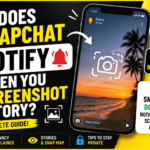
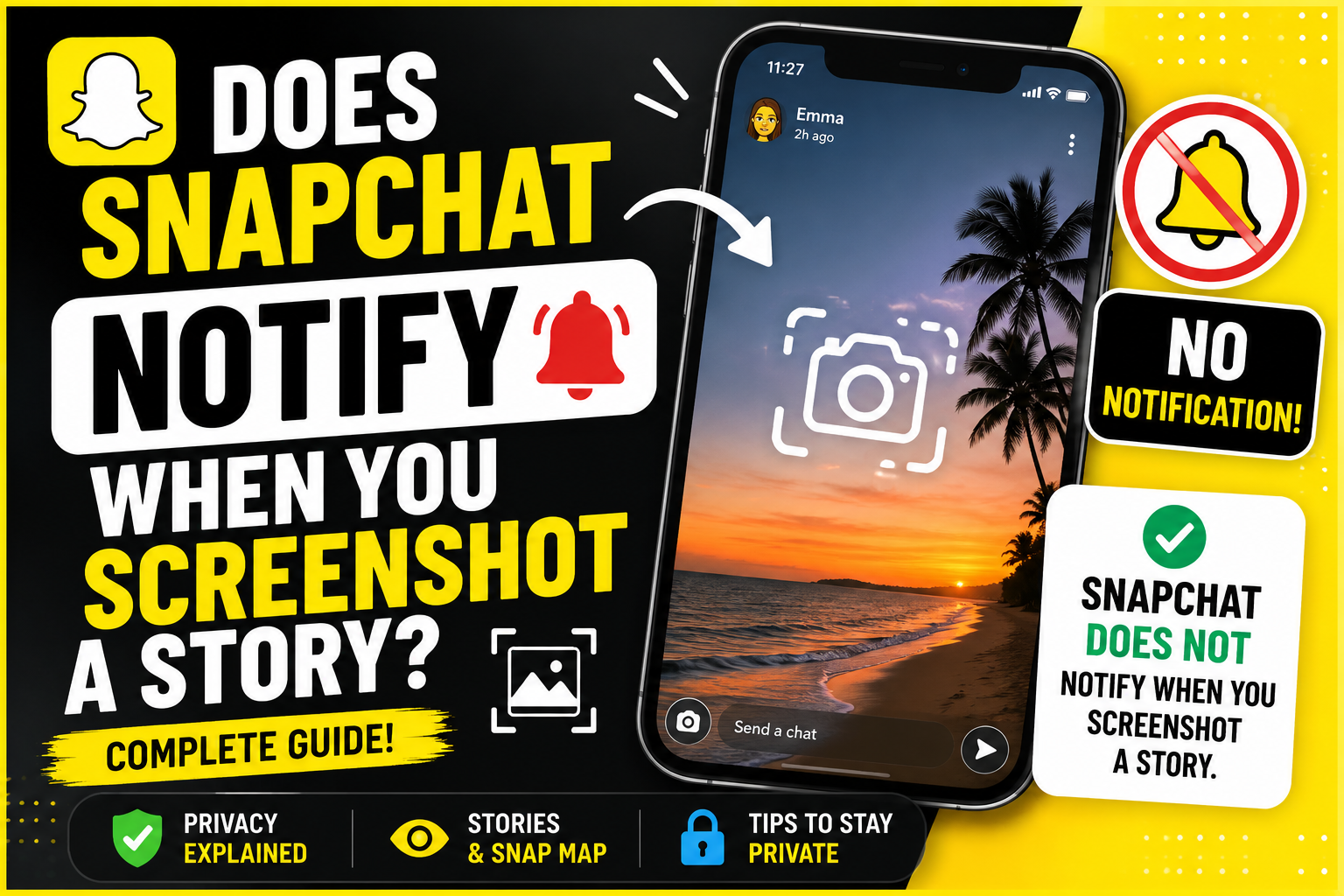
Snapchat is built around privacy and disappearing content, so it’s natural to wonder whether the app tells someone when you save their content. If you’ve ever wanted to capture a Story, you may have asked: Does Snapchat notify when you screenshot a Story?
The short answer is yes. In most cases, Snapchat does notify the creator when you take a screenshot of their Story. Below, we’ll explain how screenshot notifications work, what triggers them, and what you should know before taking a screenshot.
Table of Contents
ToggleYes, Snapchat Notifies Story Creators
When you screenshot someone’s public or private Story, Snapchat typically sends a notification to the Story owner. They’ll see that you took a screenshot when they view the list of people who watched their Story.
This feature is designed to give users more control over how their content is shared.
What Happens When You Screenshot a Story?
If you take a screenshot of a Story:
- The screenshot is captured on your device.
- Snapchat detects the action.
- The Story creator is notified.
- A screenshot icon appears next to your name in the Story viewer list.
The notification is generally automatic and happens almost immediately.
Which Snapchat Content Sends Screenshot Notifications?
Here’s a quick overview:
| Snapchat Feature | Screenshot Notification? |
|---|---|
| Stories | ✅ Yes |
| Chat messages | ✅ Yes |
| Snaps (photos/videos) | ✅ Yes |
| Private Stories | ✅ Yes |
| Spotlight videos | ❌ Usually No |
| Public Profiles | ❌ No |
| Friend Profiles | ❌ No |
| Snap Map | ❌ No (unless sharing other content) |
Note: Snapchat may change features over time, so behavior can vary slightly with app updates.
Can You Screenshot a Story Without Them Knowing?
There is no reliable or officially supported method to screenshot a Snapchat Story without triggering a notification.
In the past, users shared tricks involving:
- Airplane Mode
- Screen recording workarounds
- Older app versions
- Third-party apps
However, Snapchat has closed many of these loopholes. Attempting to bypass notifications may also violate Snapchat’s Terms of Service or compromise your account security if you use unofficial apps.
Does Screen Recording Notify Someone?
In many cases, yes. Snapchat can also notify users when you screen record certain types of content, such as Snaps or chats. For Stories, screenshot and screen recording detection may both trigger notifications depending on the app version and device.
Why Does Snapchat Send Screenshot Notifications?
Snapchat’s goal is to encourage private sharing. Screenshot notifications help users know when someone has saved or captured their content.
This can:
- Protect user privacy.
- Discourage unauthorized sharing.
- Increase transparency between users.
What If You Accidentally Screenshot a Story?
If you accidentally take a screenshot:
- The creator will likely receive the notification.
- There’s no way to undo or remove it.
- If appropriate, you can simply let the person know it was accidental.
Tips for Respecting Privacy on Snapchat
If you want to save someone’s Story:
- Ask for permission if possible.
- Request that they send you the photo or video directly.
- Avoid using unofficial apps or workarounds that could put your account at risk.
Respecting others’ privacy helps maintain trust on the platform.
FAQs
1. Does Snapchat notify when you screenshot a Story?
Yes. In most cases, Snapchat notifies the Story owner and marks that you took a screenshot.
2. Can someone see who screenshotted their Story?
Yes. The Story creator can view the list of viewers and see which account took a screenshot.
3. Does Snapchat notify for screen recordings?
Often, yes. Screen recordings of certain content can also trigger notifications, depending on the content type and app version.
4. Can I disable screenshot notifications?
No. Users cannot turn off screenshot notifications.
5. Do third-party apps prevent notifications?
There’s no trustworthy or guaranteed method. Using third-party apps can violate Snapchat’s rules and may expose your account or personal data to security risks.
6. Does Snapchat notify screenshots of Spotlight videos?
Generally, no. Screenshot notifications are primarily used for private content like Stories, Snaps, and Chats.
Conclusion
So, does Snapchat notify when you screenshot a Story? Yes. If you screenshot someone’s Story, Snapchat generally alerts the creator by displaying a screenshot indicator in the Story viewer list. There is no dependable, legitimate way to avoid this notification.
If you want to keep a Story for later, the best approach is to ask the creator for permission or request that they send you the content directly. Respecting privacy is one of the core principles behind how Snapchat works.